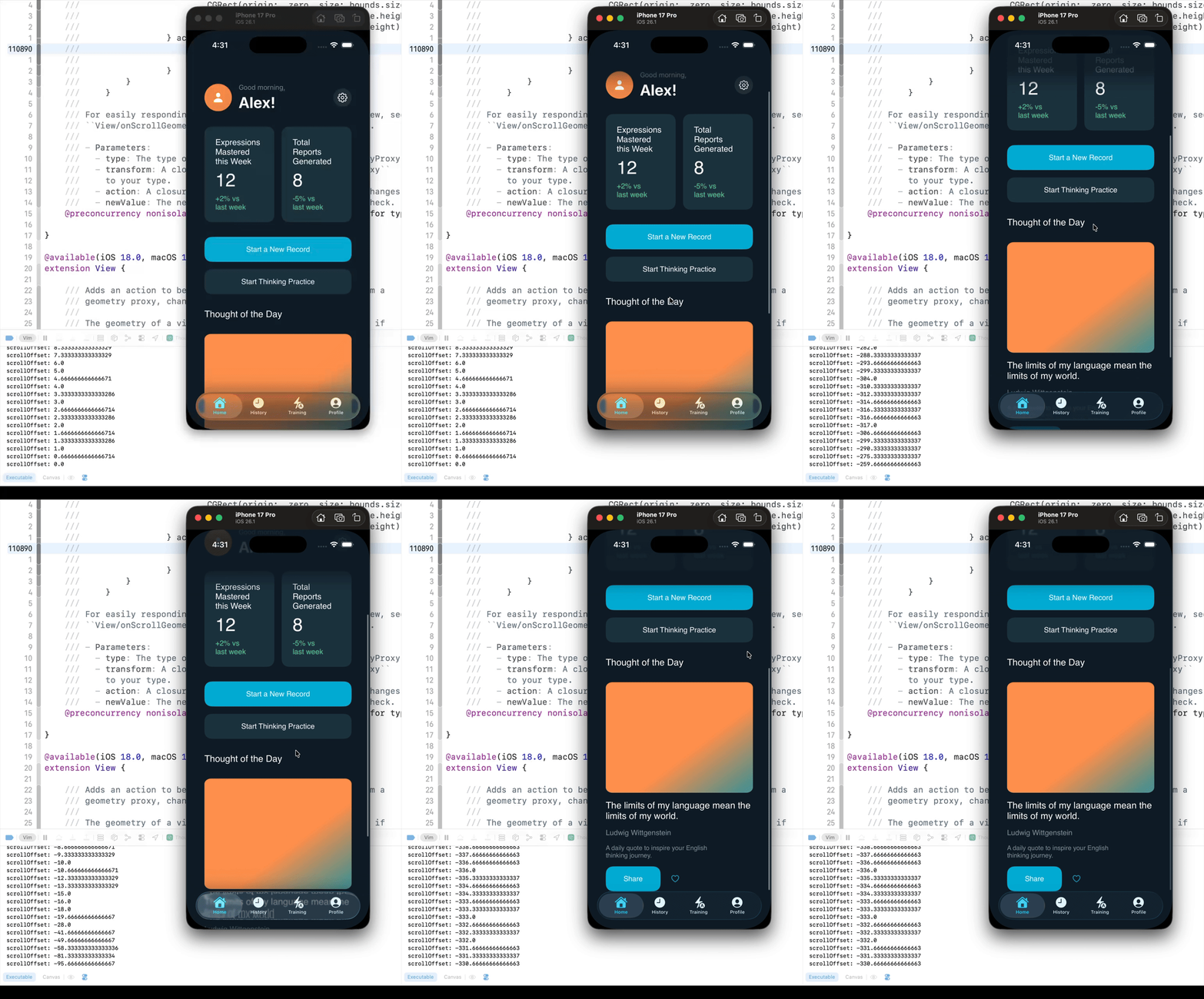
Before iOS 16, you could get the ScrollView’s offset using the following code. However, if the UI becomes complex, the scrollViewOffset will not update while scrolling.
ScrollView {
	VStack(alignment: .leading, spacing: 32) {
		// 1. 将监测器独立出来,包裹在无间距的 VStack 中以避免布局干扰
		VStack(spacing: 0) {
			Color.clear
				.frame(height: 0) // 占据 0 高度,不可见但存在
				.background(
				    GeometryReader { proxy in
				        Color.clear
				            .preference(
				                key: ScrollOffsetKey.self,
				                value: proxy.frame(in: .named("scroll")).minY
				            )
				    }
				)

			LargeNavBarView()
				.opacity(largeHeaderOpacity)
		}

		ContentArea
	}
	.padding(.horizontal, 24)
}
.coordinateSpace(name: "scroll")
.onPreferenceChange(ScrollOffsetKey.self) { value in
    self.scrollOffset = value
}
After iOS 16, you can reliably obtain the scrollView’s offset using the following code.
ScrollView {
	VStack(alignment: .leading, spacing: 32) {
		// 1. 将监测器独立出来,包裹在无间距的 VStack 中以避免布局干扰
		VStack(spacing: 0) {
			Color.clear
				.frame(height: 0) // 占据 0 高度,不可见但存在
				.onGeometryChange(for: CGFloat.self) { proxy in
					proxy.frame(in: .named("scroll")).minY
				} action: { newValue in
					self.scrollOffset = newValue
					print("scrollOffset: \(self.scrollOffset)")
				}

			LargeNavBarView()
				.opacity(largeHeaderOpacity)
		}

		ContentArea
	}
	.padding(.horizontal, 24)
}